
Teams User Guide - How to accept an invitation
How to accept an invitation
When a tutor sends you an invitation, they cannot call or message you until you accept it.
Always accept your tutor's invitation before your first lesson.
Accept an Invitation (Windows)
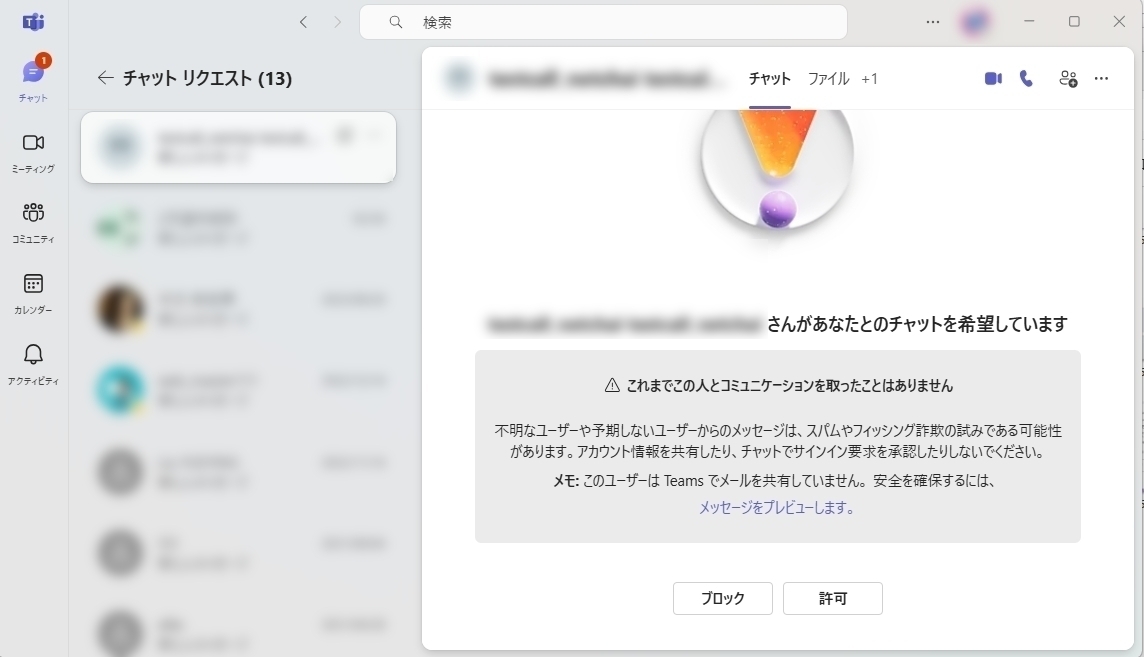
Click the "Chat" tab at the top left, then click the "XX requests" notice that appears to the right.
Your pending invitations will appear. Click the person you want to accept, then press "Accept."
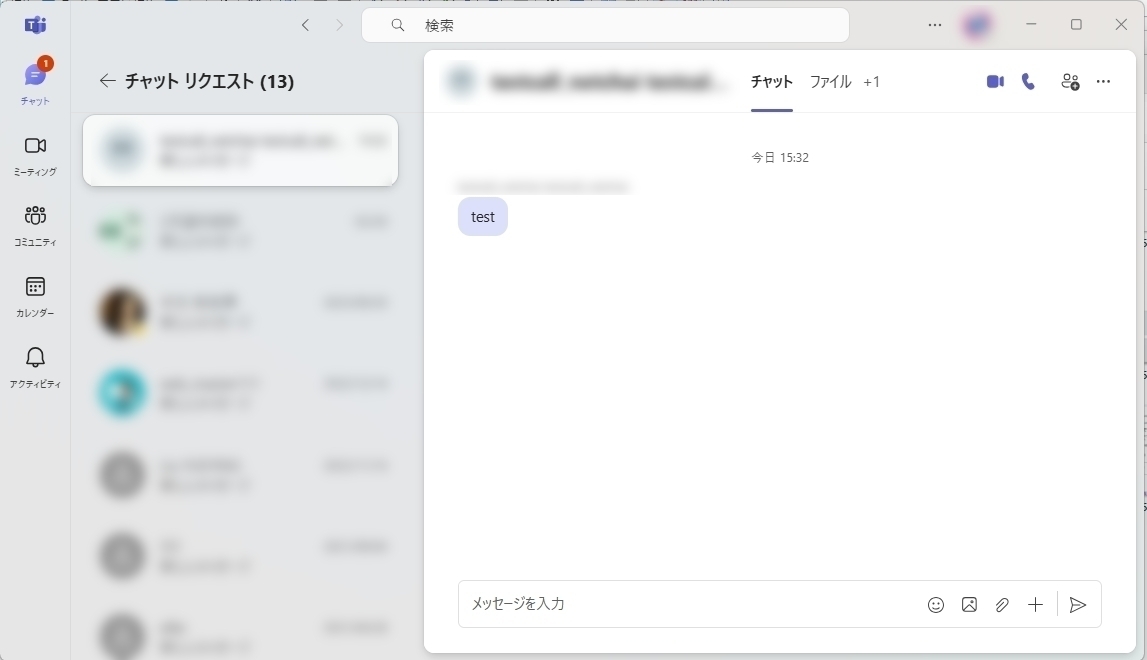
A chat with that person will open. Send a quick message to confirm, such as "Hi, this is ○○ — invitation accepted."
