
Teams User Guide - Make your Microsoft account visible to others
Make your Microsoft account visible to others
Tutors can only see your Microsoft account on Teams if you set it to visible.
If hidden, tutors cannot identify which Teams contact belongs to which student and must guess from profile pictures or chat history.
Set the Microsoft account registered on NetChai to "Show."
Settings (Windows)
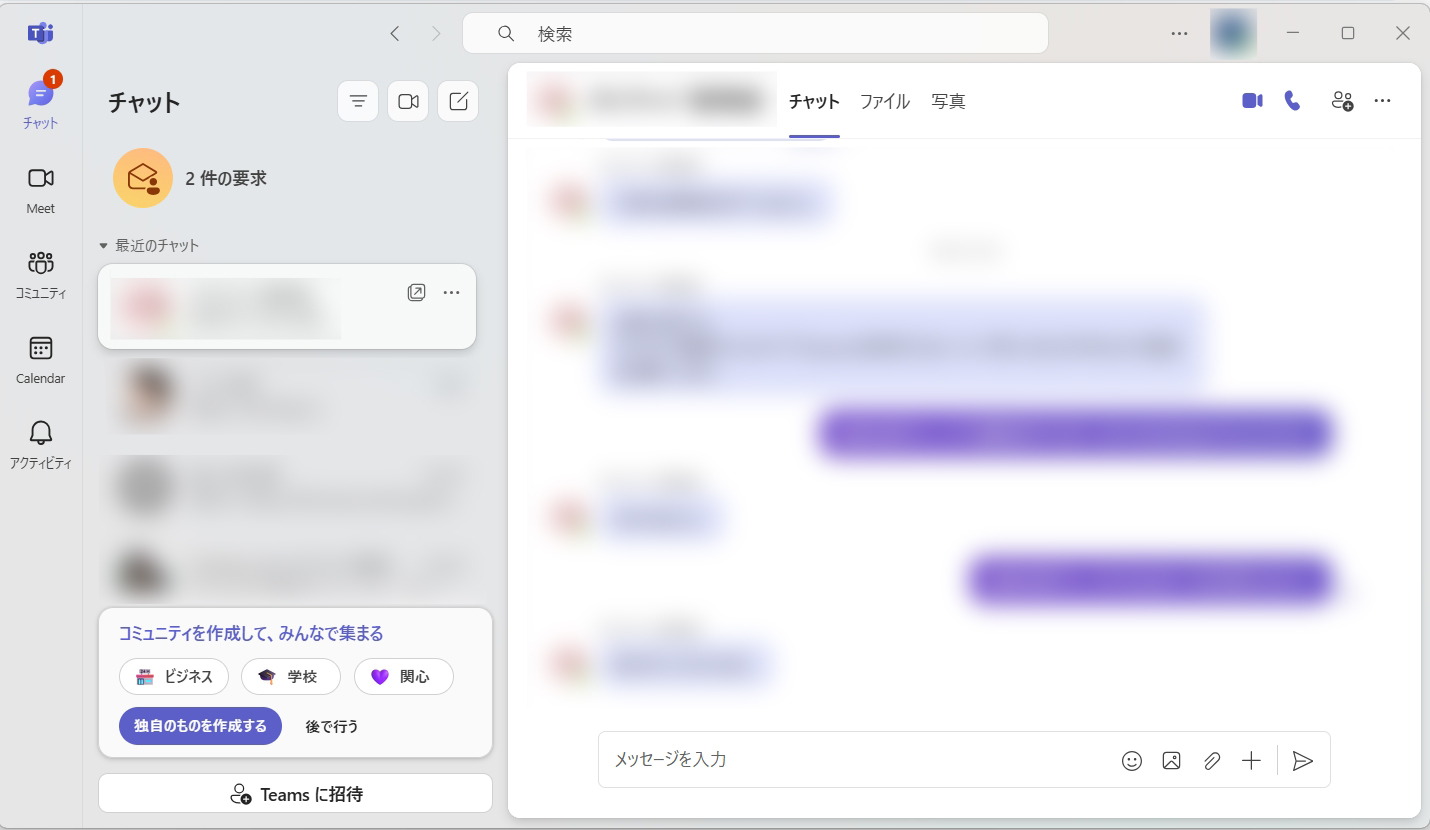
Click "..." next to your profile icon at the top right of Teams, then click "Settings".
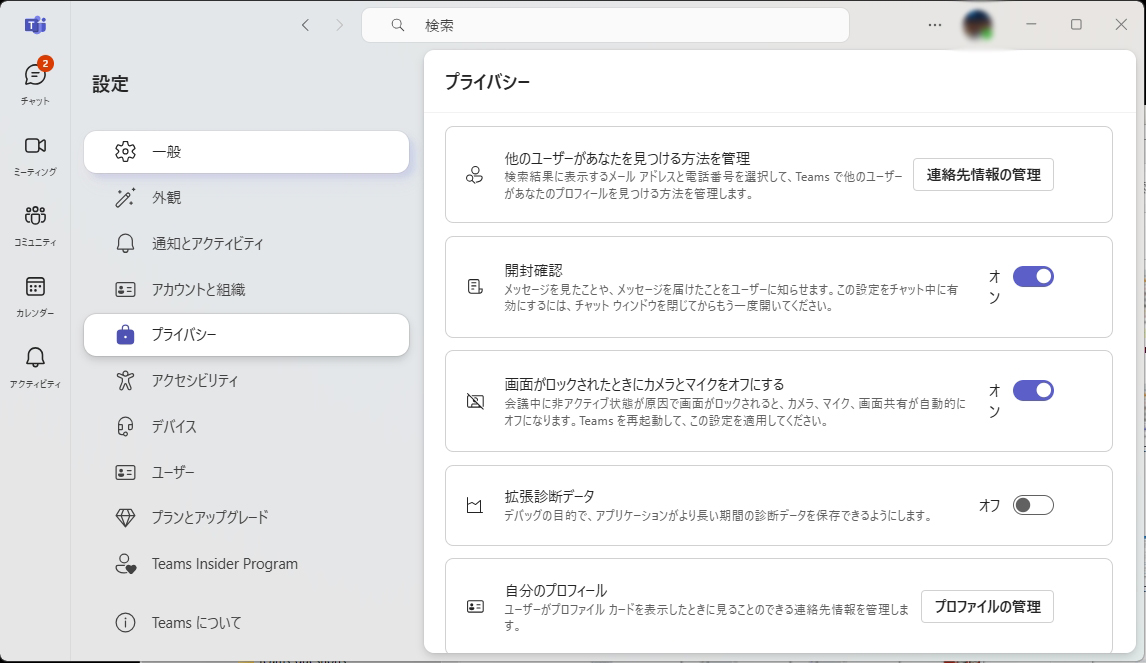
Click "Privacy" on the left. About five items down on the right (may vary by version), you'll see "Your profile" — click "Manage profile" next to it.
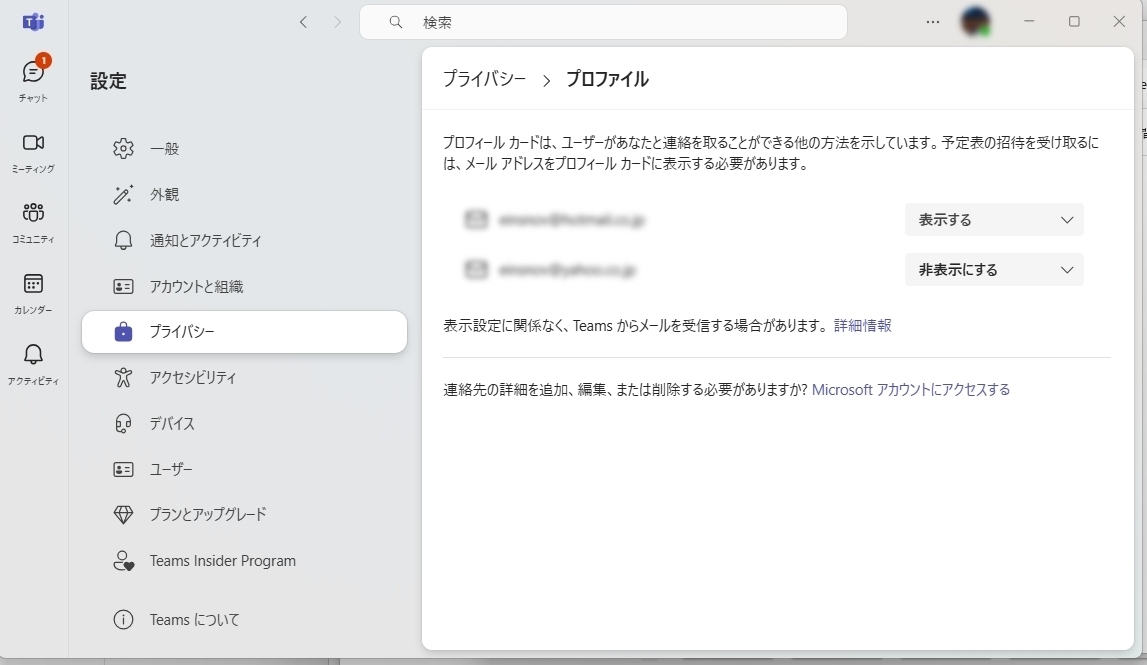
Make sure the contact info shown here is set to "Show."
When set to "Show," your name appears in your profile's contact details so tutors can identify you.
