
Teams User Guide - Register your Microsoft account on NetChai
Register your Microsoft account on NetChai
Your Microsoft account must be registered on NetChai before tutors can contact you on Teams.
Here's how to register your Microsoft account on NetChai.
How to register your Microsoft account on NetChai
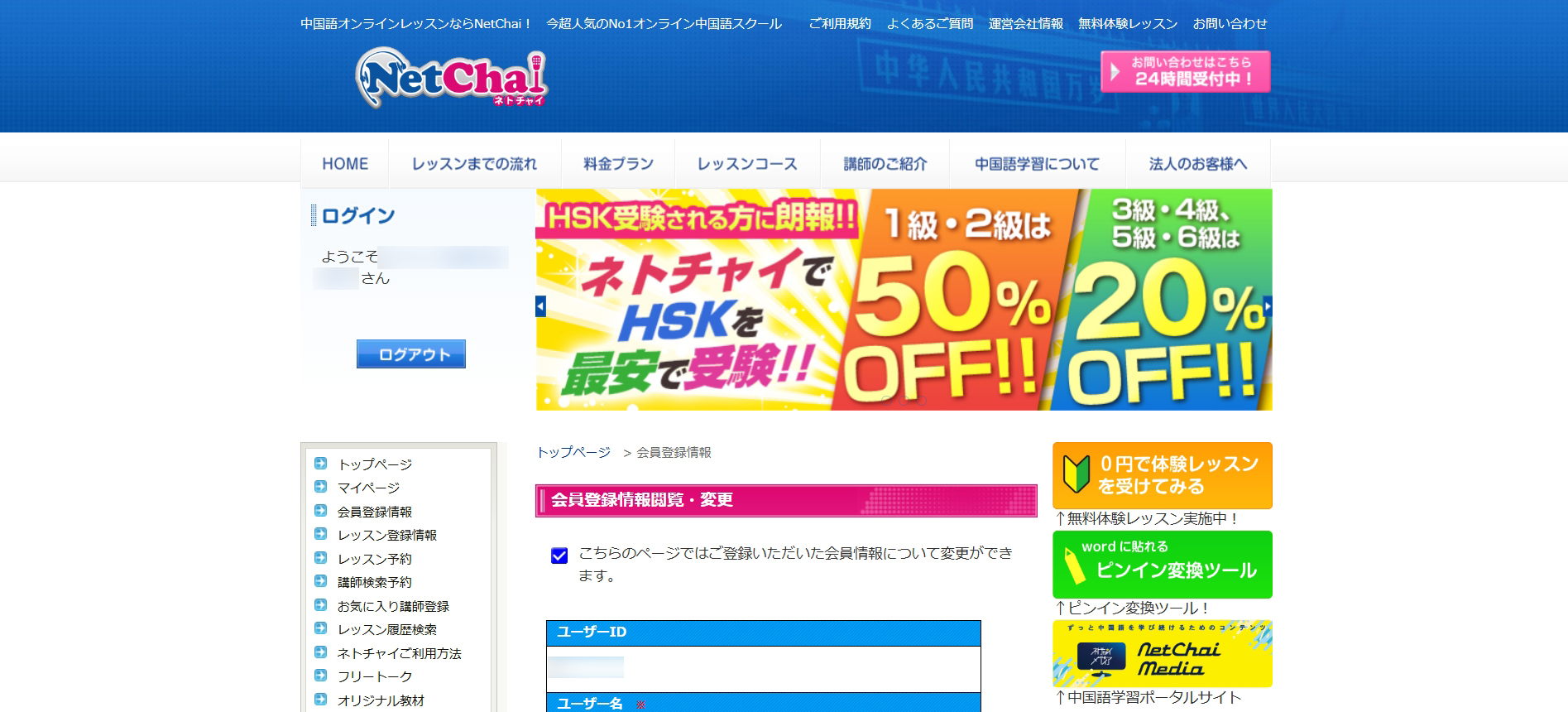
Log in to NetChai and go to "Account Settings" in the left menu.
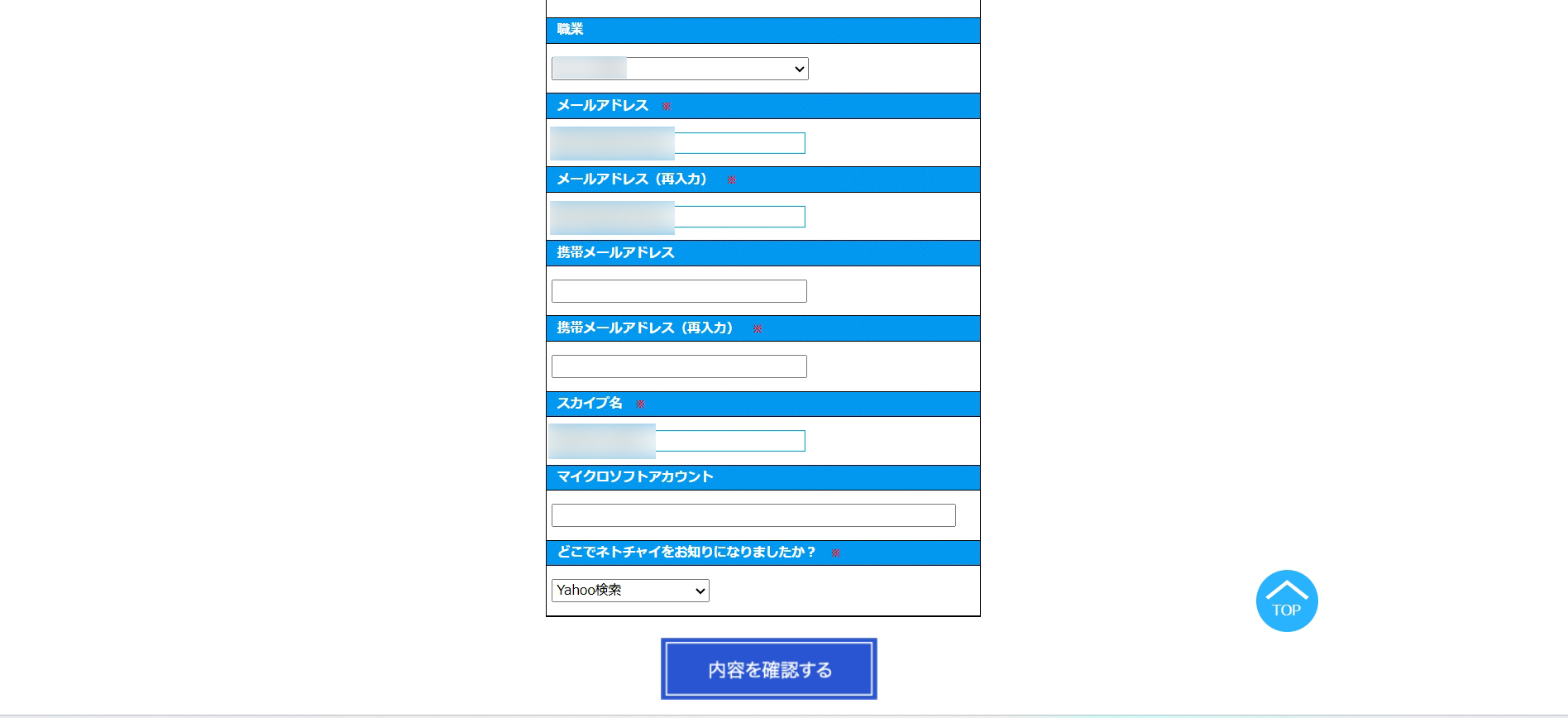
Find the "Microsoft account" field near the bottom of the page, enter your account, then click "Confirm" → "Update."
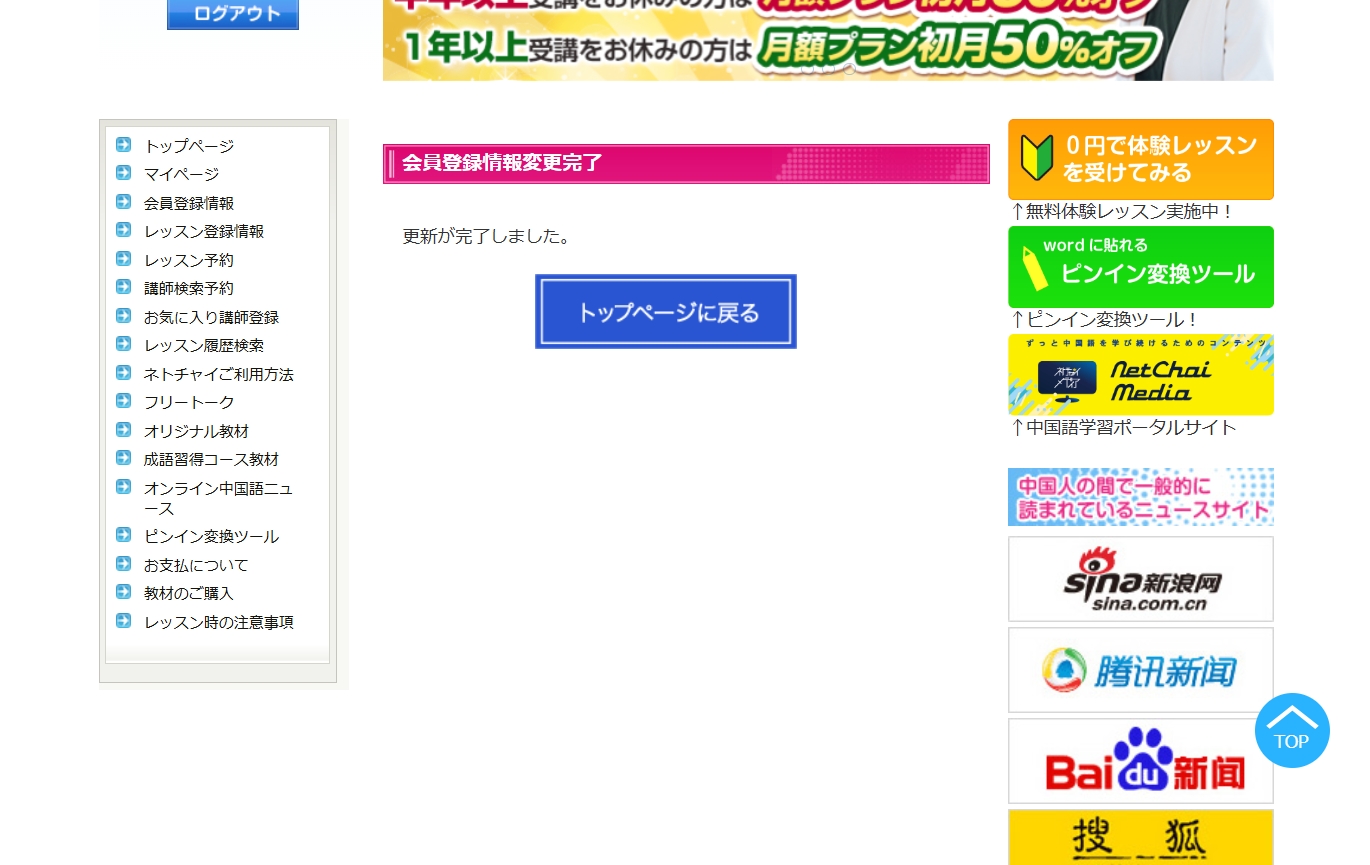
When "Update complete" appears, you're done. Your Microsoft account is now registered.
Setup is complete. At lesson time, open Teams and wait for your tutor's call.
