
Teams User Guide - Download & Install
Download & Install
Download (Windows)
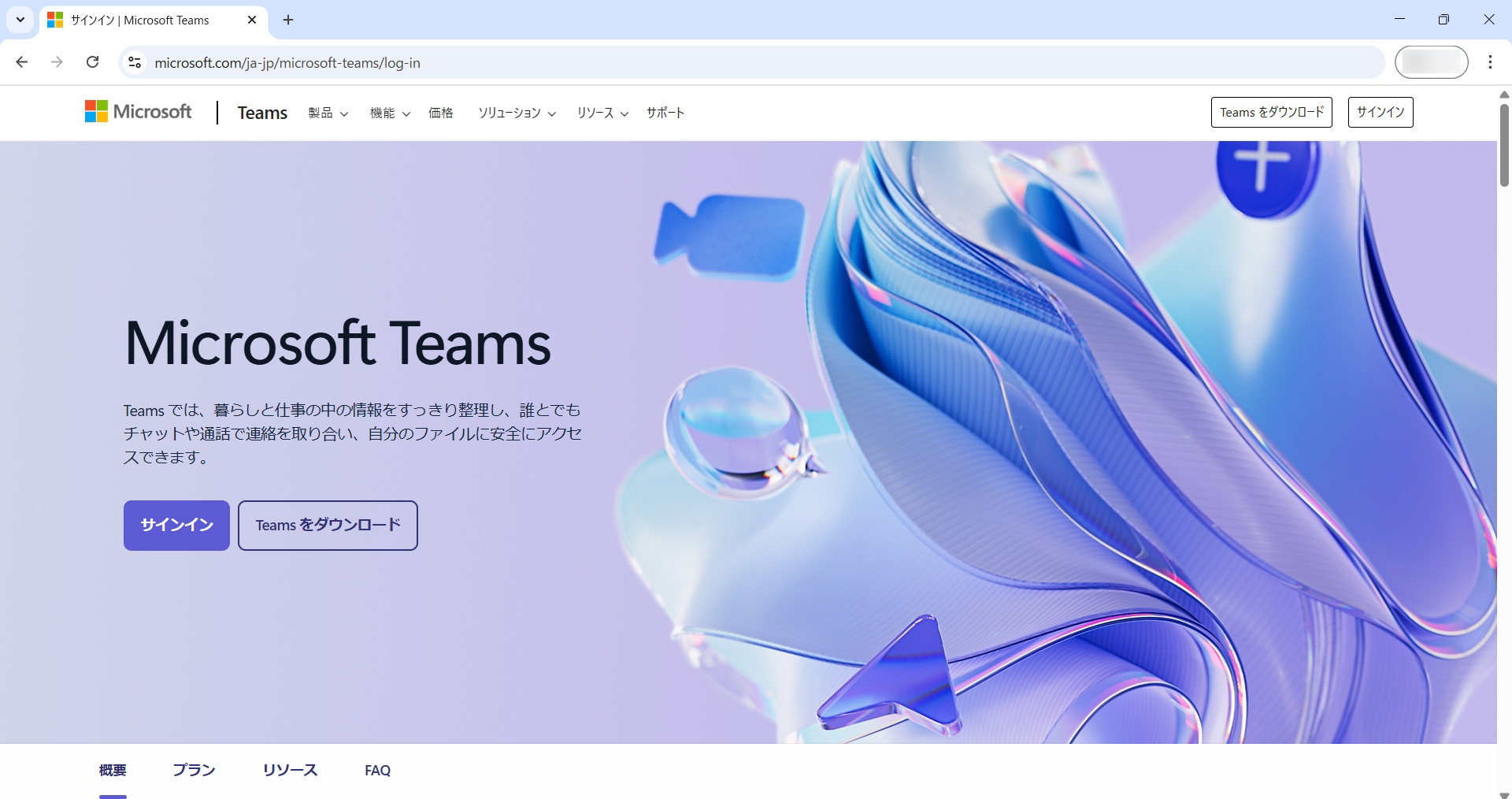
Open the Microsoft Teams download page below.
Teams download page
Click "Download Teams" on the page.
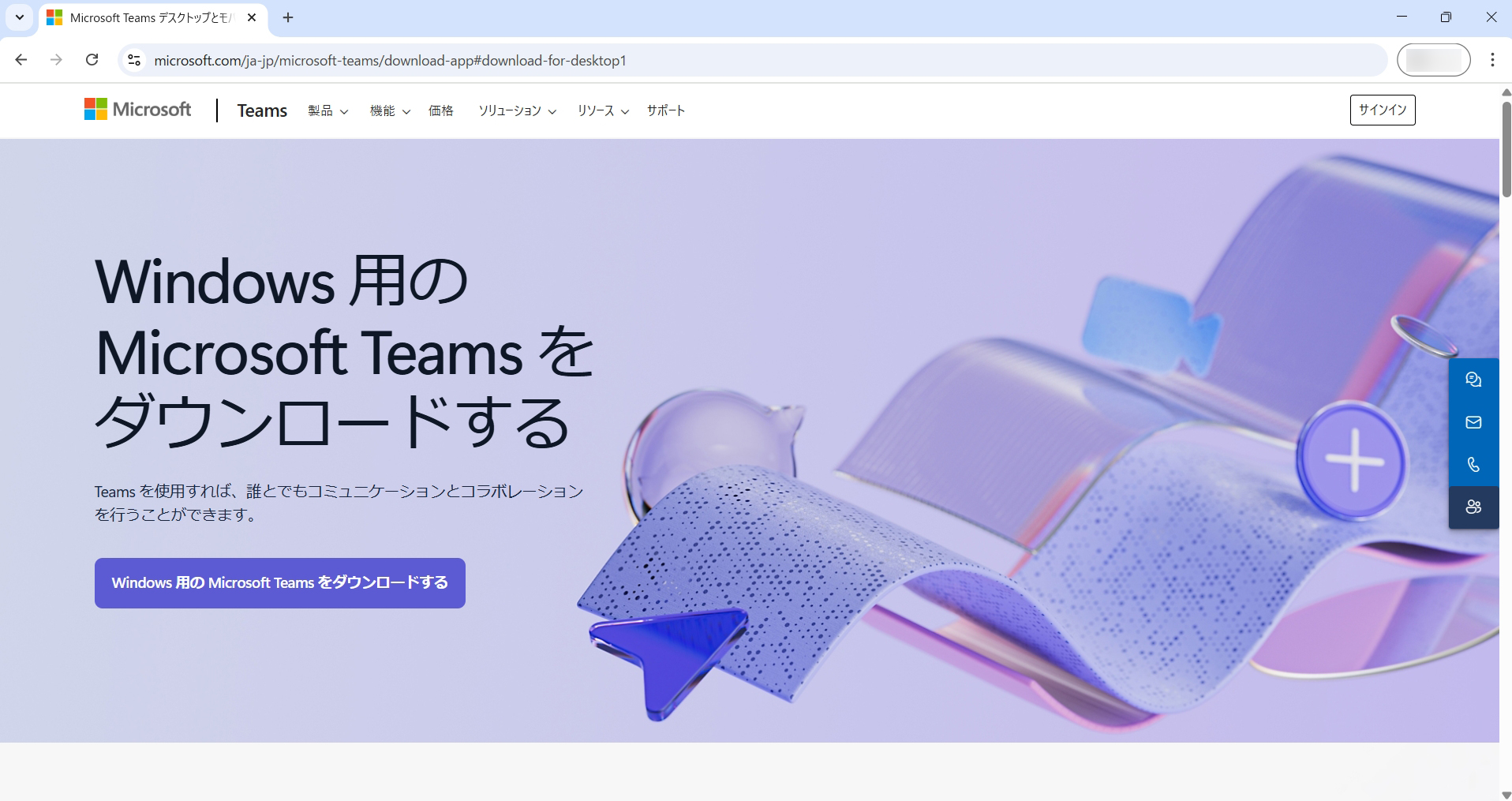
Click "Download Microsoft Teams for Windows" below. The download will begin.
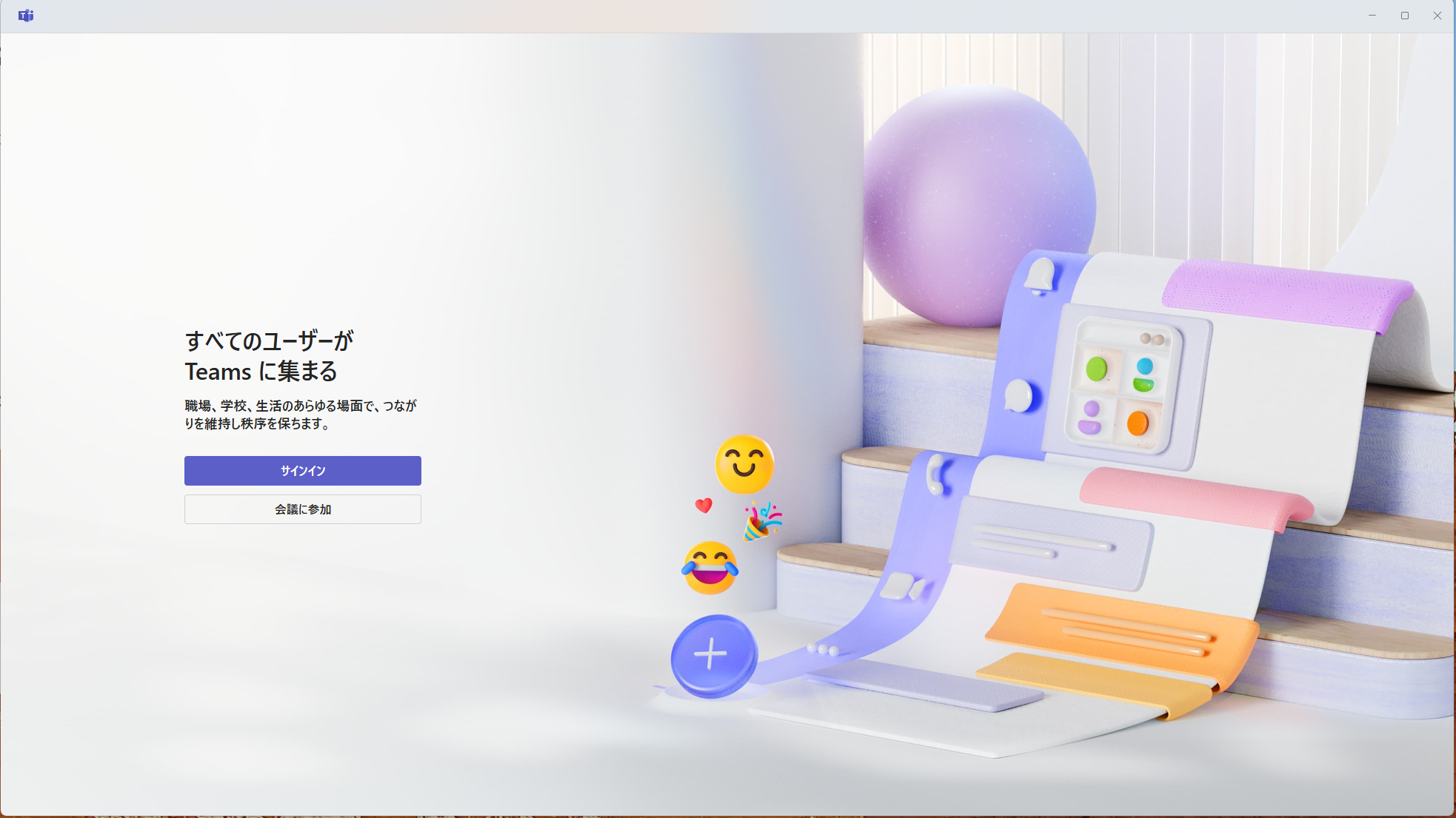
Double-click the downloaded installer to start installation. When the sign-in screen appears, installation is complete. Proceed to Step 2: Log in to Teams.
Step 2: Log in to Teams
iOS Download (iPhone)
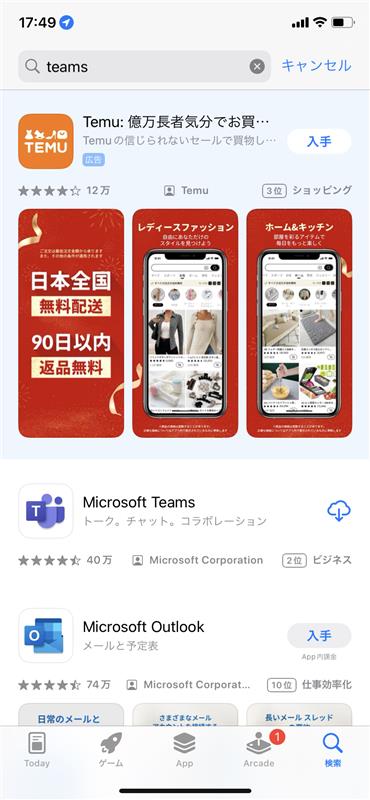
Open the App Store and search for "Teams."
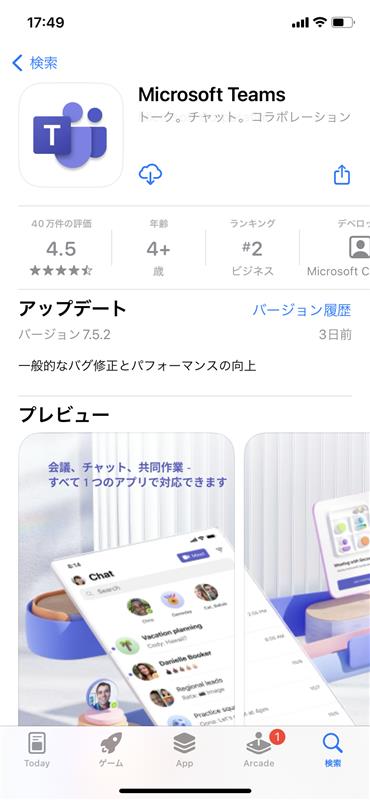
Download Microsoft Teams.
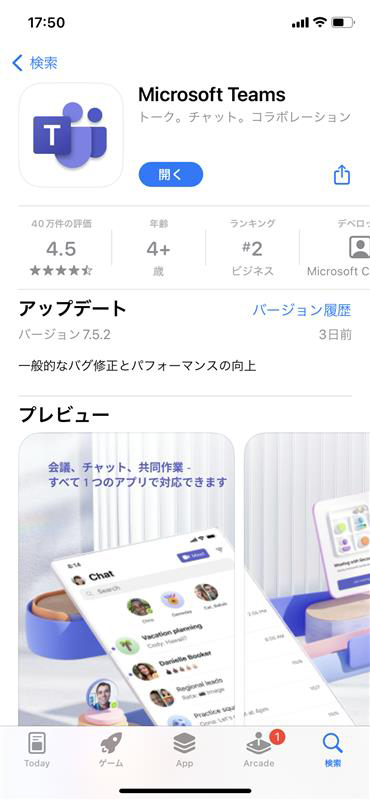
When installation finishes, tap "Open" to launch the app.
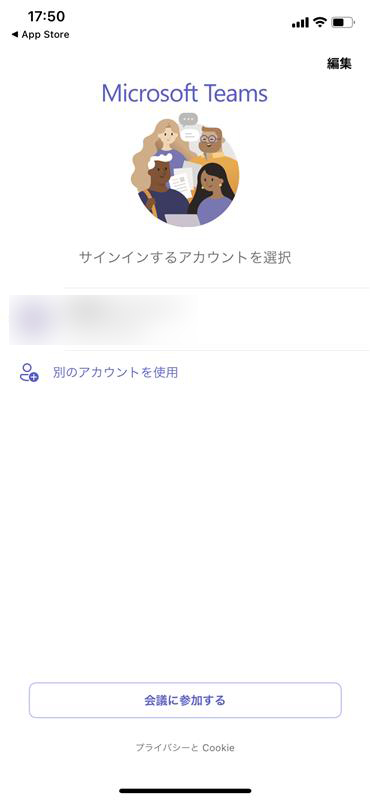
When the sign-in screen appears, installation is complete. Proceed to Step 2: Log in to Teams.
Step 2: Log in to Teams
